
Why Record a Death Certificate?
Recording a death certificate places evidence of the death in the Official Records. In property matters, it may help document a change involving a deceased owner. Common reasons include:
- Document the death of a joint owner when reviewing title and survivorship rights
- Document the death of a life tenant
- Support a sale, refinance, or transfer of the property
- Help title companies and future owners understand the chain of title
Recording a death certificate alone does not establish that ownership has transferred. The documents needed depend on how title was held.
Important: Prepare the Correct Recording Documents
Before submitting a death certificate for a Broward County property, confirm the supporting documents and recording information needed for your situation with Swift E-Recording, your title company, or your attorney.
If a cover page or affidavit is needed, complete it and assemble it with the certified death certificate in the instructed order. Use the document selected for this Broward campaign rather than a Miami-Dade form.
Download the Palm Beach County Death Certificate Cover Page (opens in a new tab)
Before You Record
- Use the copy without cause of deathRequest a certified copy without cause-of-death information for the public recording package. Florida treats cause-of-death information as confidential for 50 years.
- Have a certified copy readyObtain the certified death certificate and confirm the document and scan requirements before submitting.
- Have the property information readyGather the deceased owner's name as it appears on title, the property address, and the parcel ID or legal description. Confirm which details belong in your recording package.
How to Record a Death Certificate in Broward County
- Obtain the recording instructions and formConfirm the Broward recording package with Swift E-Recording. If a form is provided above, download it and follow the instructions.
- Complete the supporting documentEnter the deceased owner's name, property details, and return information where requested. Ask your title company or attorney whether an affidavit is needed.
- Assemble the documentCombine the supporting document and certified death certificate in the instructed order.
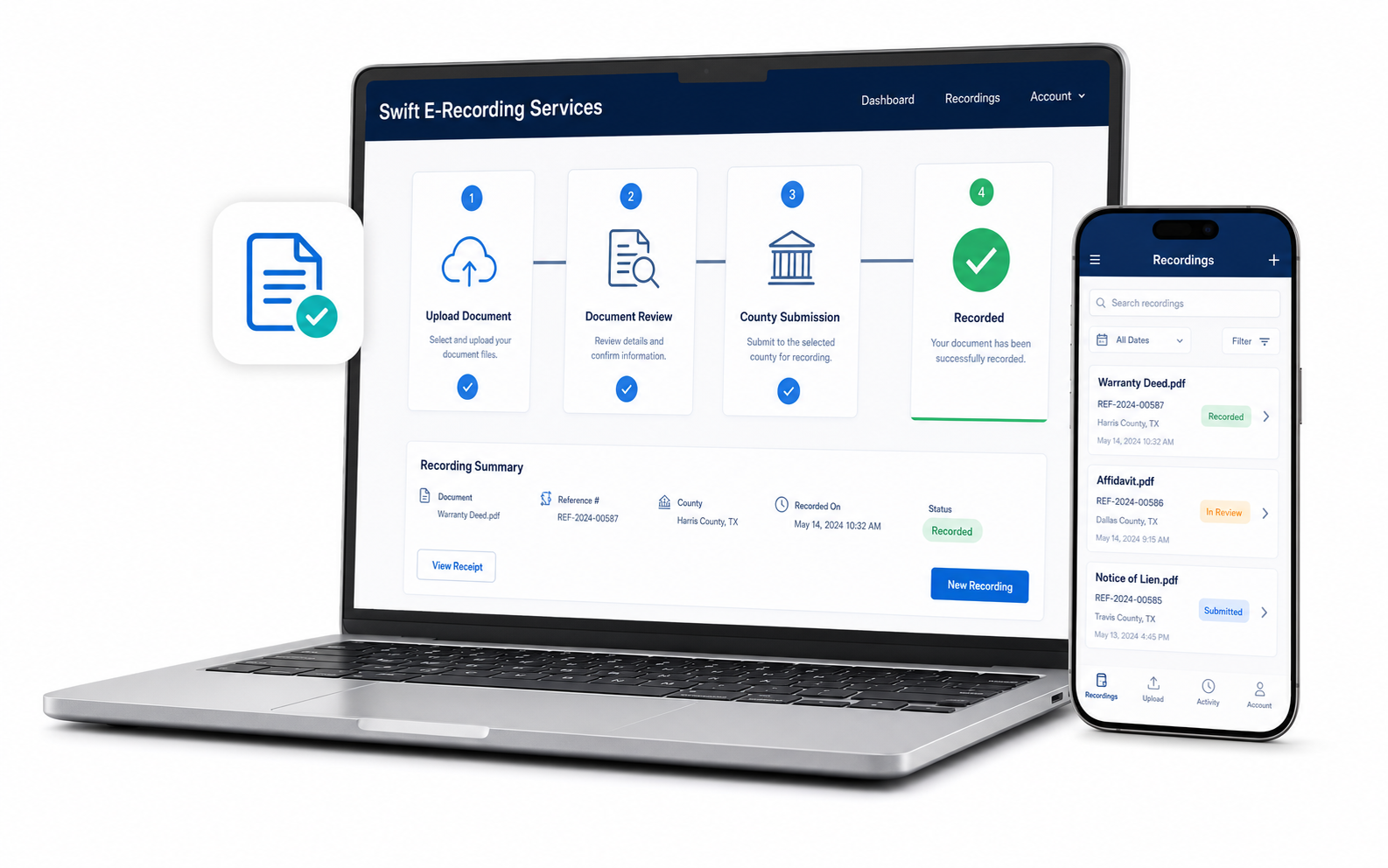
- Scan and uploadScan every page clearly and upload the complete package to your Swift E-Recording account.
- Submit for recordingWe submit the package electronically for Broward County recording. After acceptance, you receive the recorded copy and recording reference information by email.
Frequently Asked Questions
Can I record the death certificate without a cover page?
Confirm the Broward County recording package before submitting. A cover page or supporting affidavit may be needed for your document and property situation. Follow the instructions supplied by Swift E-Recording, your title company, or your attorney.
Do I need an affidavit too?
Depending on how the property was titled, your title company or attorney may require an affidavit along with the death certificate. Ask them which documents are appropriate for your situation.
How long does it take?
Timing depends on Broward County's processing queue and whether the package is accepted or returned for correction. Ask Swift E-Recording for the current estimated turnaround before submitting.
Where do I get a certified death certificate?
Order one through the Florida Department of Health, Bureau of Vital Statistics, or your county health department. For public recording, request the copy without cause of death. See Broward's death certificate ordering information.
Do I have to go anywhere in Broward County to record it?
You can upload your completed package through Swift E-Recording for electronic submission. Obtain the certified certificate and any required supporting documents before uploading.
What will I receive once it is recorded?
You receive the recorded copy and its recording reference information by email after the county accepts and records the document.
Palm Beach County at a Glance
- 1.53M residents
- 719K homes and housing units
- 25% in buildings with 10 or more units
- 70% owner-occupied homes
Palm Beach County has about 1,533,800 residents and 719,500 homes and other housing units. About 9.5% of homes are used seasonally or occasionally, so many owners and heirs live outside the area for part or all of the year. 70% of occupied homes are owner-occupied. The median resident age is 45.3.
Source: U.S. Census Bureau, American Community Survey, 2024 5-year estimates.
Ready to Get Started in Palm Beach County?
Prepare your documents and start your Broward County submission online.
Get StartedThis page provides general information, not legal advice. Recording does not by itself determine ownership or replace any required estate or title process. Confirm the documents needed for your situation before submitting.